The magnifier lands on the right of the bar. For calculations with units and currencies, install qalc:
omarchy pkg add libqalculate
What it does
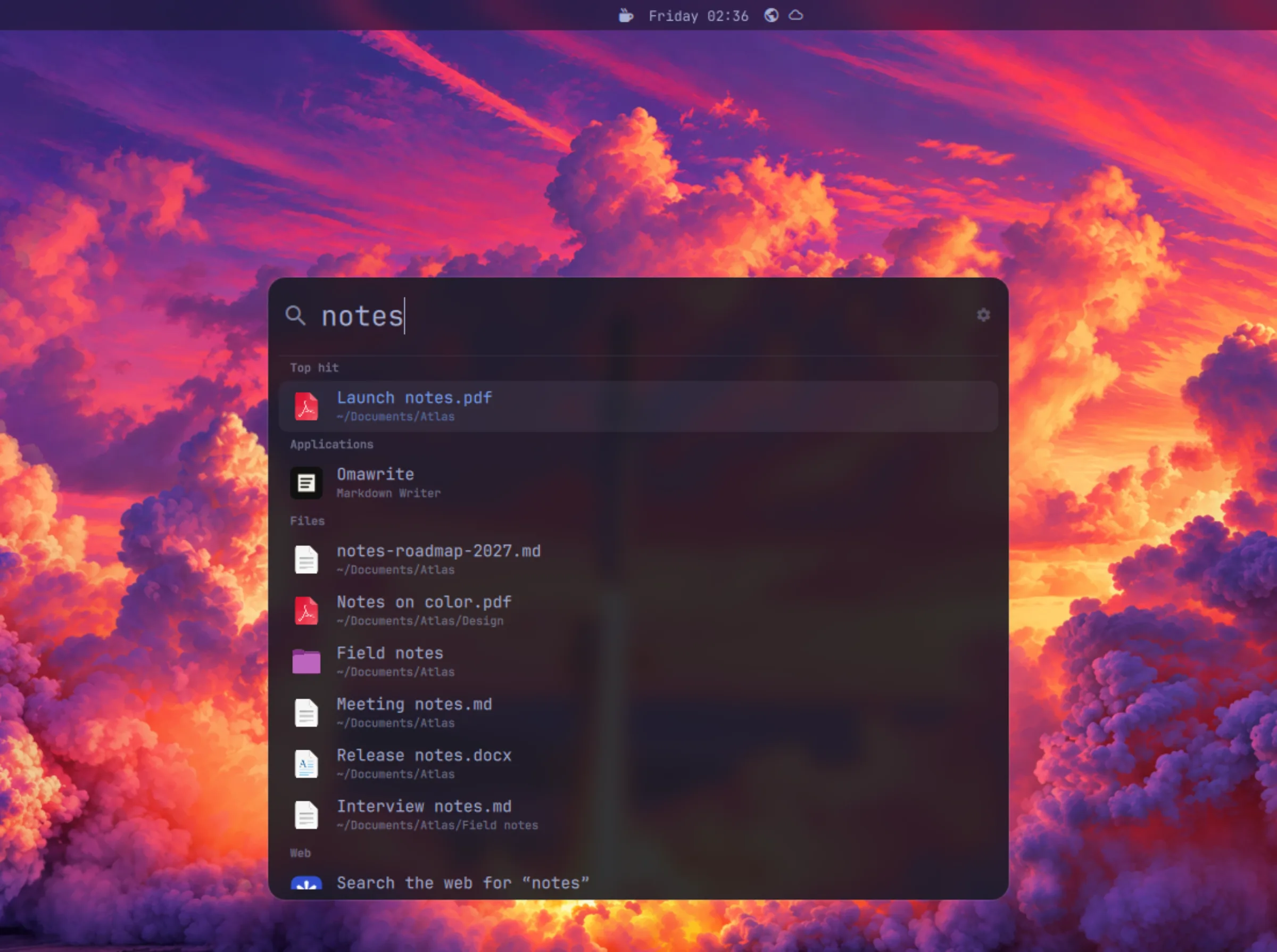
One key, a few letters, Enter. Apps, the files in your home folder, open windows, calculations and the web, in one field. Nothing you type leaves your computer before Enter.
Ranked as in Omarchy’s menu; an app that is already open comes forward instead of starting again, and windows are found by their title.
By name, from qSpot’s own index, refreshed every half hour. Dependencies, caches and hidden folders stay out.
5 km to mi, 100 USD to EUR, 15% of 240: the result comes first, Enter copies it.
!yt lofi searches YouTube: 13,000 bangs suggested as you type, plus your own shortcuts.
What you open for what you type comes first next time, on your computer only.
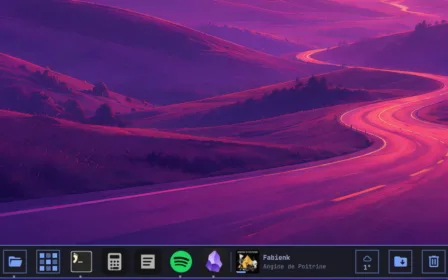
qDock’s: Omarchy, Cupertino (Spotlight), Redmond (Windows) and Plasma (KRunner).
Screenshots
Installation
omarchy plugin add https://github.com/quebecstudio-mods/omarchy-qspot --enableThe magnifier lands on the right of the bar. For calculations with units and currencies, install qalc:
omarchy pkg add libqalculateThen a key, in ~/.config/hypr/bindings.lua. Alt+Space, as in Raycast, takes the place of Omarchy’s dictation; Super+Period is free:
o.rebind("ALT + SPACE", "qSpot", "omarchy-shell -q quebecstudio.qspot toggle")For the blur behind the Cupertino, Redmond and Plasma styles, add this rule to ~/.config/hypr/hyprland.lua:
hl.layer_rule({ match = { namespace = "^qspot$" }, blur = true, ignore_alpha = 0.2 })Source code and issue tracker on GitHub; full documentation and changelog here.
Read the documentationThat’s exactly what we do best. Tell us about it: we’ll find the best way to build it, on your timeline and within your budget.