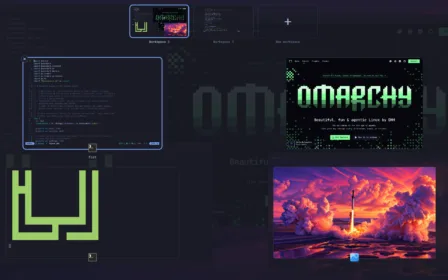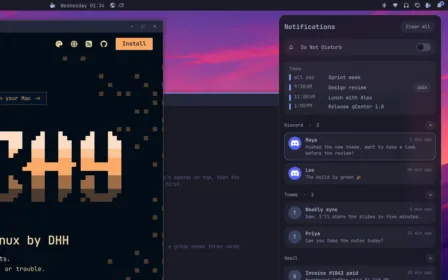
qDock takes the place of Omarchy’s dock: enabling it turns the built-in one off, disabling it brings it back. It shows on floating workspaces:
omarchy hyprland workspace layout default floating
What it does
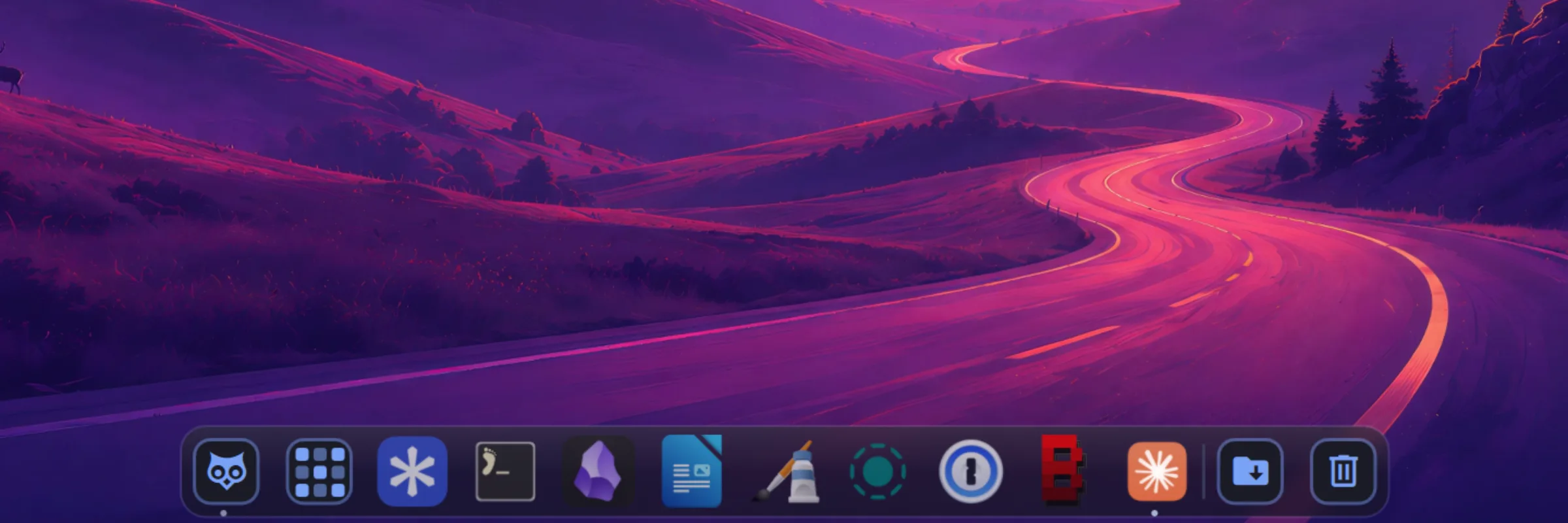
qDock replaces Omarchy’s dock on floating workspaces. It keeps what the built-in dock does (pinned apps, running windows, auto-hide, the app grid) and adds a lot more.
A click on the owl opens your file manager; a right click lists your folders, your bookmarks and the trash.
Right-click an app to see its windows, bring one forward, open a new one, or quit.
Your newest downloads (or another folder), to open, reveal, copy or drag into another app.
It shows when it is full, takes files dropped on it, and can be emptied from its menu.
Apps asking for attention bounce; web apps show unread counts; apps can be grouped by color.
Mac (frosted glass, round corners) or Omarchy (opaque, with your theme’s corners and borders).
Screenshots
Installation
omarchy plugin add https://github.com/quebecstudio-mods/omarchy-qdock --enableqDock takes the place of Omarchy’s dock: enabling it turns the built-in one off, disabling it brings it back. It shows on floating workspaces:
omarchy hyprland workspace layout default floatingFor the blur behind the Mac style, add this rule to ~/.config/hypr/hyprland.lua:
hl.layer_rule({ match = { namespace = "^(omarchy-dock|omarchy-dock-apps)$" }, blur = true, ignore_alpha = 0.2 })Source code, full documentation and issue tracker on GitHub.
Documentation on GitHubThat’s exactly what we do best. Tell us about it: we’ll find the best way to build it, on your timeline and within your budget.